Inspect the prompt
Every prompt from a covered tool passes through Sentinel first.
SUPERWISE® Sentinel
A ban does not stop AI. It hides it. Keep the tool, protect the customer.
Draft a short apology about the late refund:
Email: {{REDACTED}}
Phone: {{REDACTED}}
Card: {{REDACTED}}
Three examples of what Sentinel does to a prompt. A customer record: the email d.whitfield@acme.com, the phone number (415) 555-0142, and the card number 4111 1111 1111 1111 are replaced with {{REDACTED}} before the prompt reaches ChatGPT, and the model still writes the reply. An API key in a prompt: the AWS access key and the alert email address are replaced before the request leaves the computer. A toxic reply: a request to insult a customer has the toxic language replaced before it reaches the model.
An AI firewall sits between your team and the AI model and checks each prompt on its way out.
Sentinel checks covered prompts before they leave the computer and replaces the sensitive values it recognizes. Prompts go straight to the AI provider. SUPERWISE receives only check metadata: counts, which rule fired, and latency.
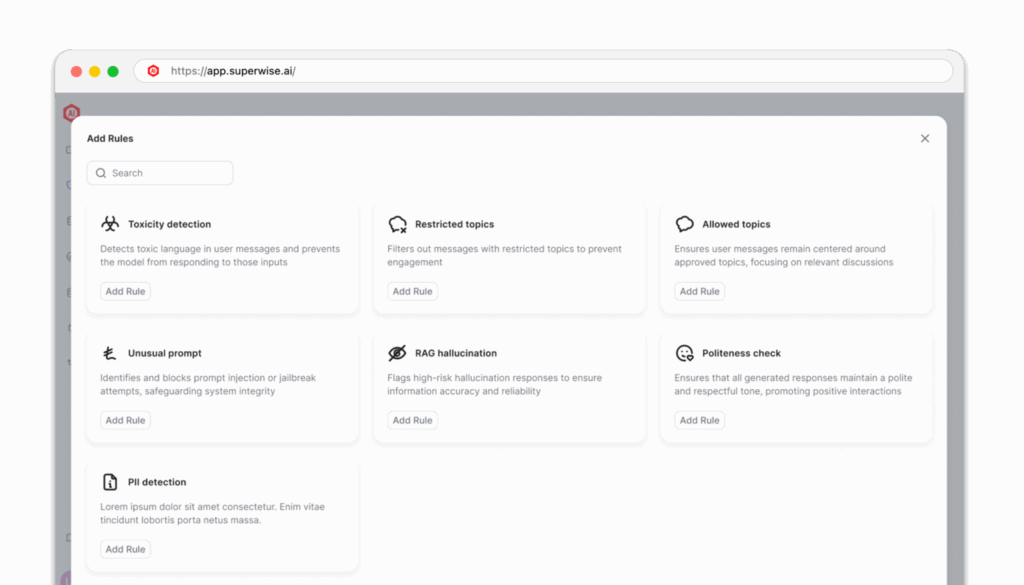
Sentinel replaces email addresses, phone numbers, Social Security numbers in the 123-45-6789 format, credit card numbers, IBANs, IP and MAC addresses, full-length OpenAI keys, and AWS secret keys when labeled. Bank account numbers, tax IDs and EINs, national IDs, VINs, dates of birth, and medical record numbers are replaced only in the labeled formats the gateway recognizes.
Custom patterns, such as your own policy numbers or customer IDs, are on the roadmap.
The tools marked Supported or Preview below are covered wherever the machine runs.
Terminal agents and the apps you build, covered wherever they run.
| Tool | Windows | Mac & Linux |
|---|---|---|
| Claude Desktopsetup guide Anthropic's desktop app. On Windows, it requires an Anthropic API key. On macOS and Linux, it requires the Anthropic provider and a one-time browser sign-in. | Supported | Supported setup guide |
| Claude Codesetup guide Anthropic's terminal agent | Supported | Supported setup guide |
| Codex CLIsetup guide Codex CLI: Supported on Windows, Mac and Linux when the tool uses an API key. | Supported* | Supported* |
| Your own apps and agentssetup guide OpenClaw, LangChain, or any framework | Supported | Supported |
| Antigravity (agy)Google's coding agent | Supported* | Supported* |
*When the tool uses an API key. Signing in with a ChatGPT or Google account is not covered yet.
The browser extension is in preview for Chrome and Edge on Windows.
| Chat site | Status |
|---|---|
| Claudesetup guide claude.ai | Preview |
| ChatGPTchatgpt.com | Preview |
| Gemini, Copilot, Grok, Perplexity, DeepSeekIn development | Coming soon |
A Mac desktop app is coming soon. The Mac and Linux CLI stays available today.
Using something not listed? Tell us what to cover next
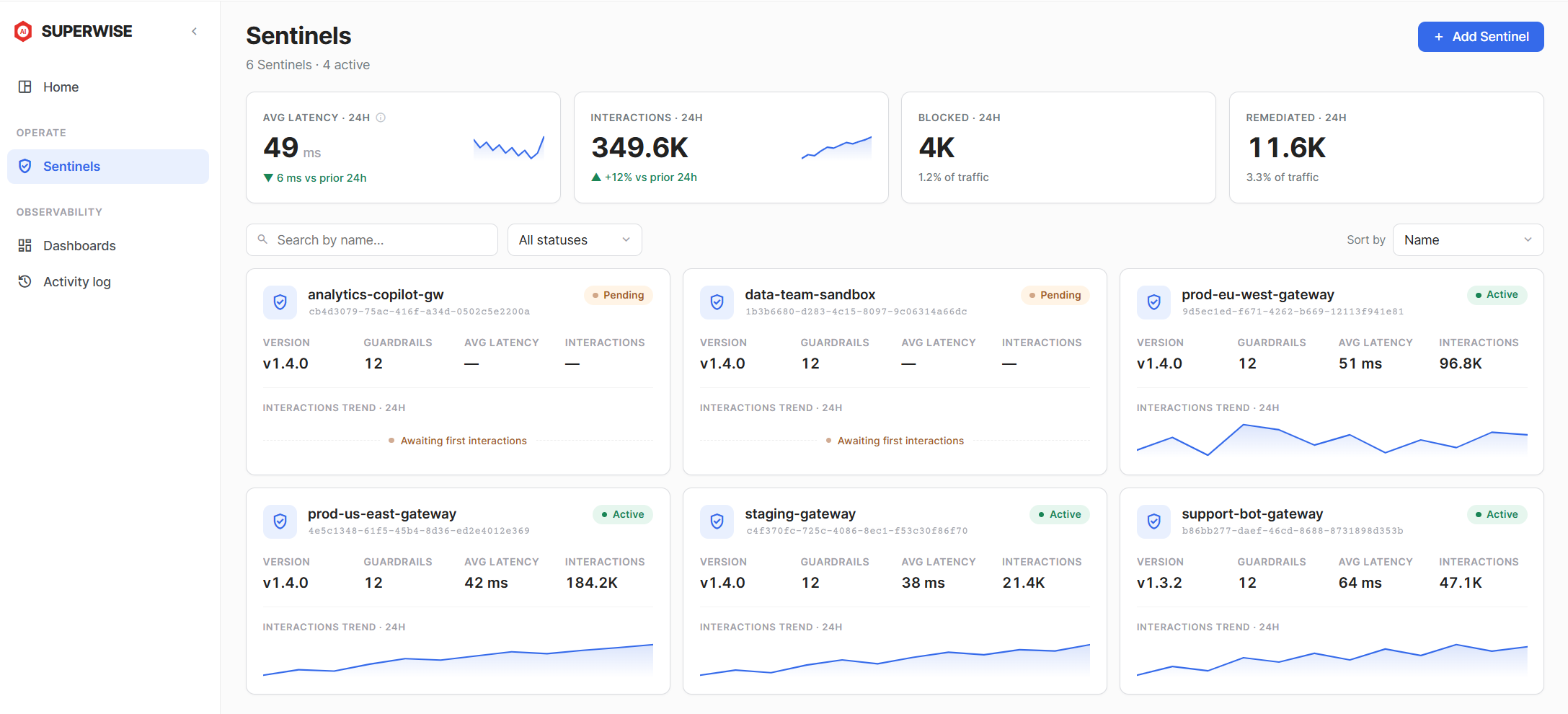
Self-serve plans are $10, $25 or $50 a month. See plans. Sentinel for Business. Sentinel for IT.
Free for 30 days, no card. Then $10, $25, or $50 a month, with 1 to 5 Sentinels per plan. Buy online. No sales call. See plans.
Sentinel is a proxy between your tools and the model. It runs on the machine or in your own cloud, and requests go straight to the provider. Only the interaction log’s metadata syncs to the SUPERWISE platform.
How Sentinel compares: Harmonic Security, Microsoft Purview, and Prompt Security.
What buyers ask about running an AI gateway inside their own environment
Your team is already using AI. Sentinel is the layer that watches what it sends.
Free for 30 days, no card. Then $10, $25, or $50 a month, with 1 to 5 Sentinels per plan. Buy online. No sales call. See plans.